
Recording chapters
Who can use this
ContentHub
Free
Managed Service
Included
Chapters are titled points in a recording. When participants watch on demand, they open Show more in the player and choose Chapter to jump to that time. Chapter appears only when the recording has chapters. Jumps stay off while the event is live.
Chapters come from the Recording transcript. Create Chapters on the recording starts the job. If the recording has no transcript yet, transcription runs first. A later run replaces the chapters already on that recording.
When the job finishes, Open in editor now opens the video timeline so you can review the chapters.
Highlights with their own list in the player are Recording key moments.
Configure in ContentHub Admin
In ContentHub Admin, open the event and go to Recordings.
On the recording card, open the menu and choose Create Chapters.
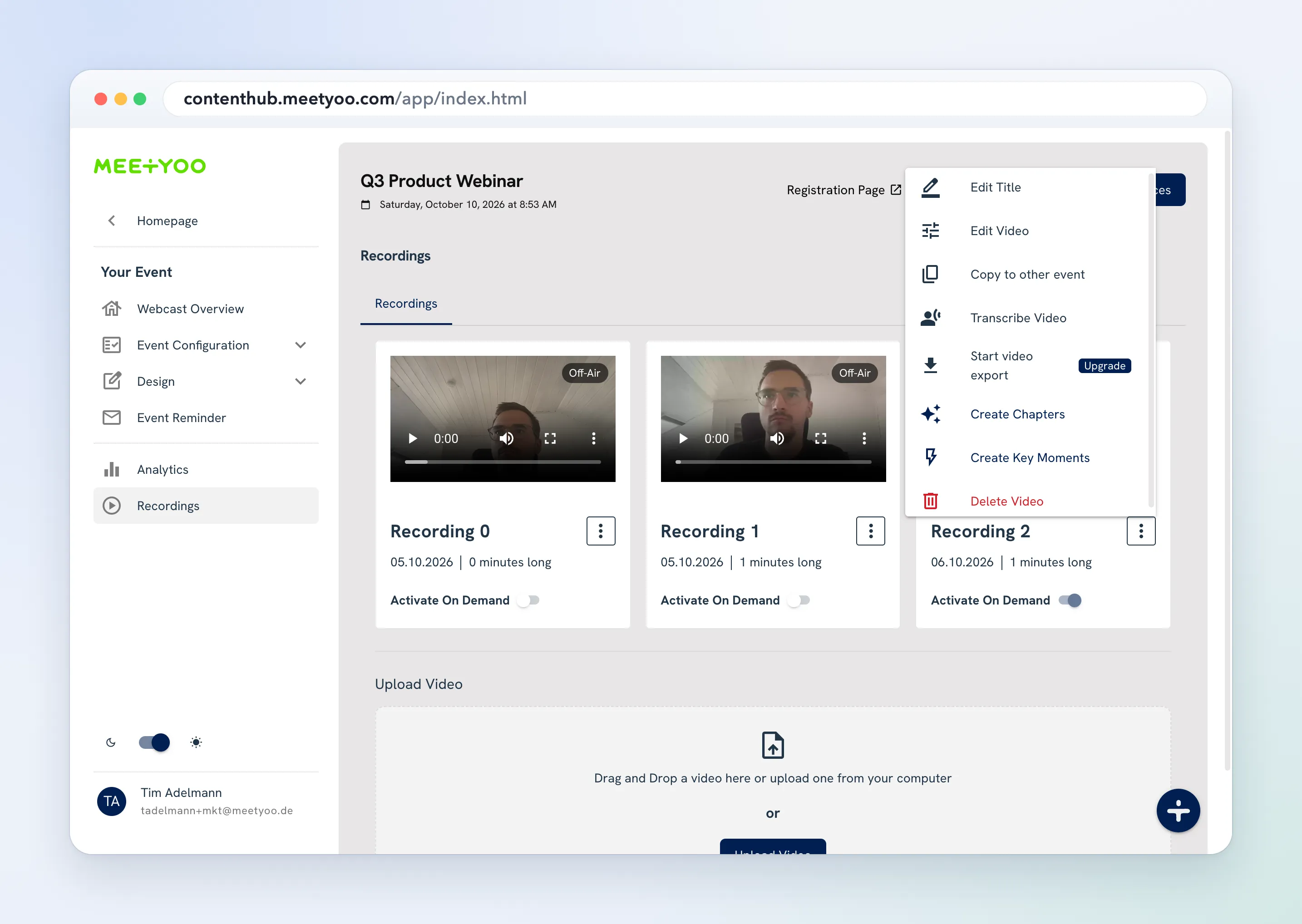
If the recording has no transcript yet, transcription runs first. The card shows Creating chapters... while the job runs. You are notified when it finishes.
Choose Open in editor now to review the chapters on the video timeline. Running Create Chapters again replaces the chapters on that recording.