
Event Guru automatic question labelling
Who can use this
ContentHub
Free
Managed Service
Included
With automatic question labelling, the Event Guru live assistant tags incoming questions with labels while your event is live. Presenters and moderators can then sort through the question list without labelling each question by hand.
Automatic question labelling is available for Content Hub free and managed events.
How it works
- An administrator turns on the AI features for the event. See the setup steps below.
- During the live session, the presenter opens the Questions pane in the presenter view.
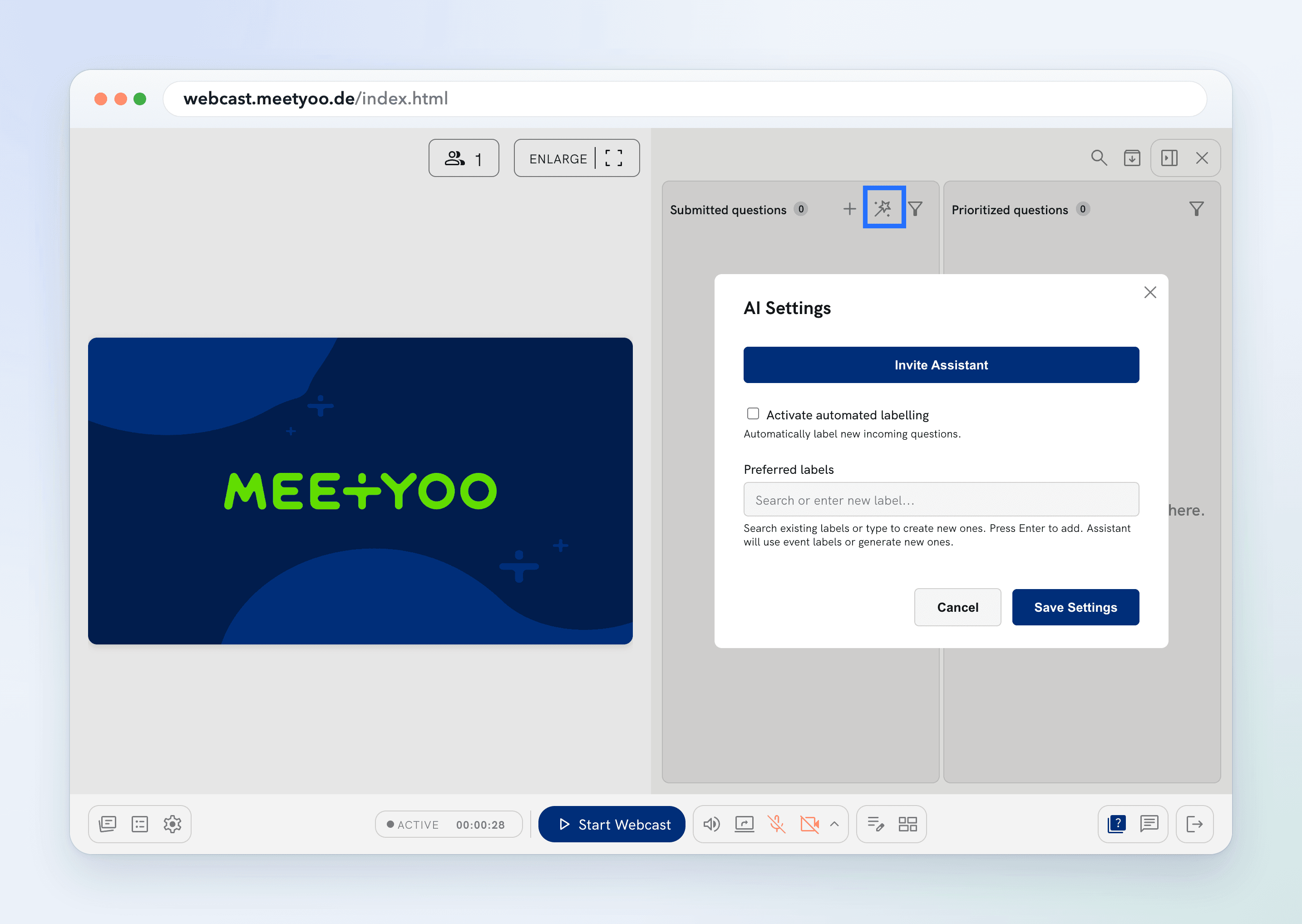
- The presenter uses the button in the question pane to invite the live assistant.
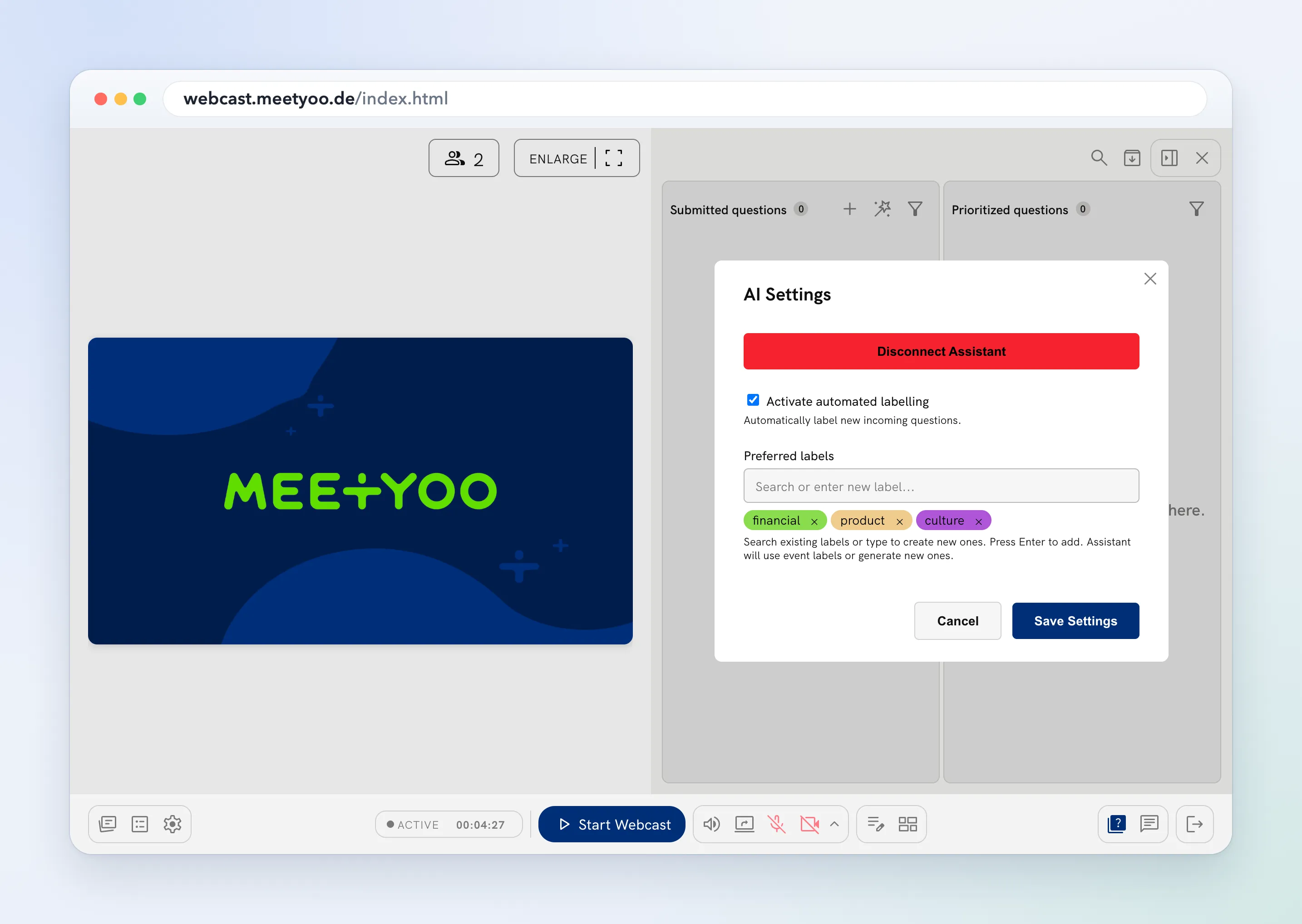
- Once the assistant is invited, the presenter activates live labelling.
- From then on, the assistant labels incoming questions automatically.
Good to know
- The assistant has to be invited in every live session. If you leave the webcast, invite it again.
- Live labelling only works while Enable AI features and Allow Live Assistant are both on for the event.
- Event Guru is AI and can make mistakes. Check the labels before you rely on them.
For the rest of the question workflow, see Handling Q&A as a presenter. For the other Event Guru features, see Event Guru.
Configure in ContentHub Admin
In Content Hub, open the event. Under Event Configuration, open AI Settings.
- Turn on Enable AI features.
- Turn on Allow Live Assistant.
- Choose Save.
Presenters can now invite the live assistant in the presenter view.