
Series access
The series has its own access mode. Anyone who comes in through the series reaches every event it contains.
Event Series & Media Library
One access for your audience, reporting per session for you – and an AI that searches all videos of the series at once.
Included in all plans, starting with Forever Free.
One access
Your audience gets one access for all sessions. You decide how open each event is.
The series has its own access mode. Anyone who comes in through the series reaches every event it contains.
Every event keeps its own access mode. An event can be open on its own and still sit behind a registration within the series, or it can be reachable only through the series.
Two use cases
The same feature for two purposes, and your audience finds both in the same place.
Program
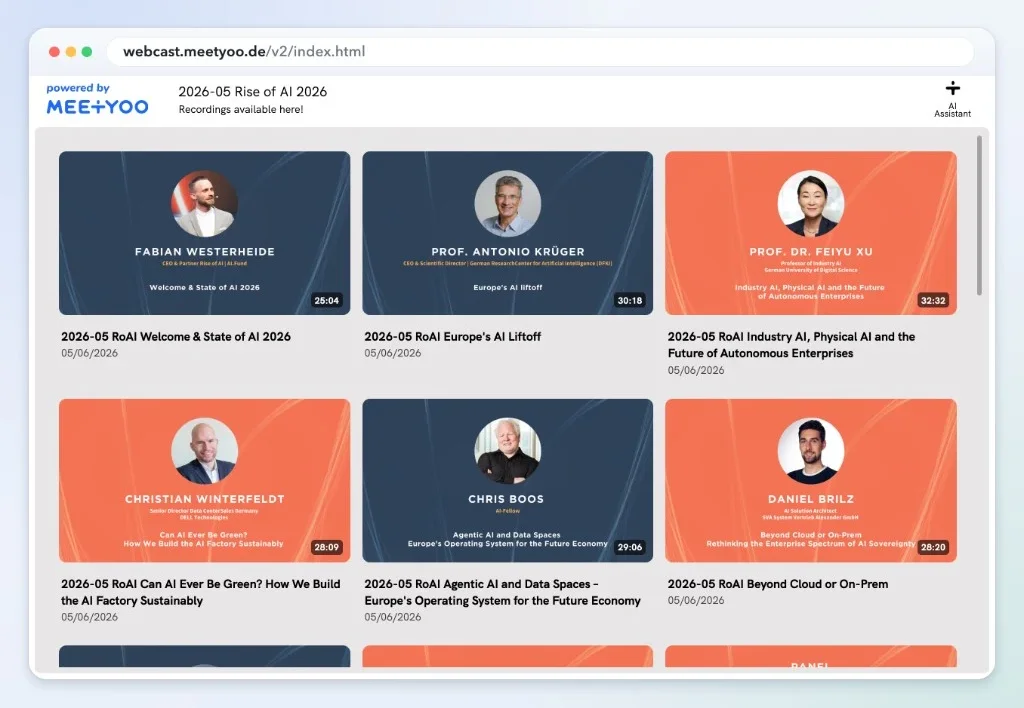
Attendees see at a glance what comes next and what they can watch now.
Media library
Upload many videos at once with drag and drop and offer them as an on-demand library.
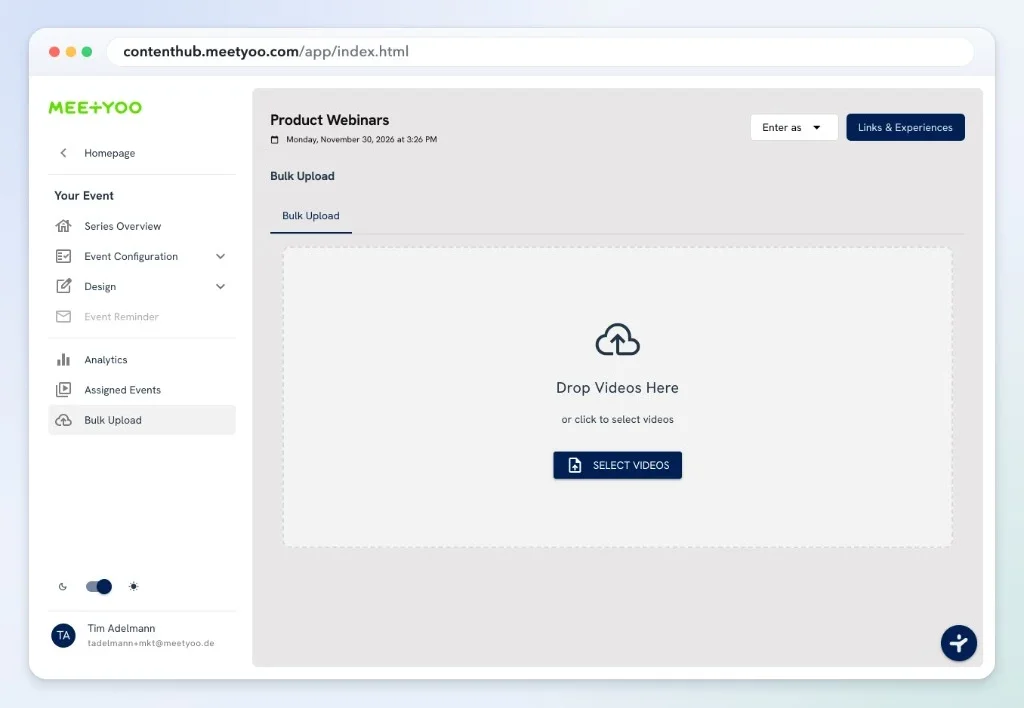
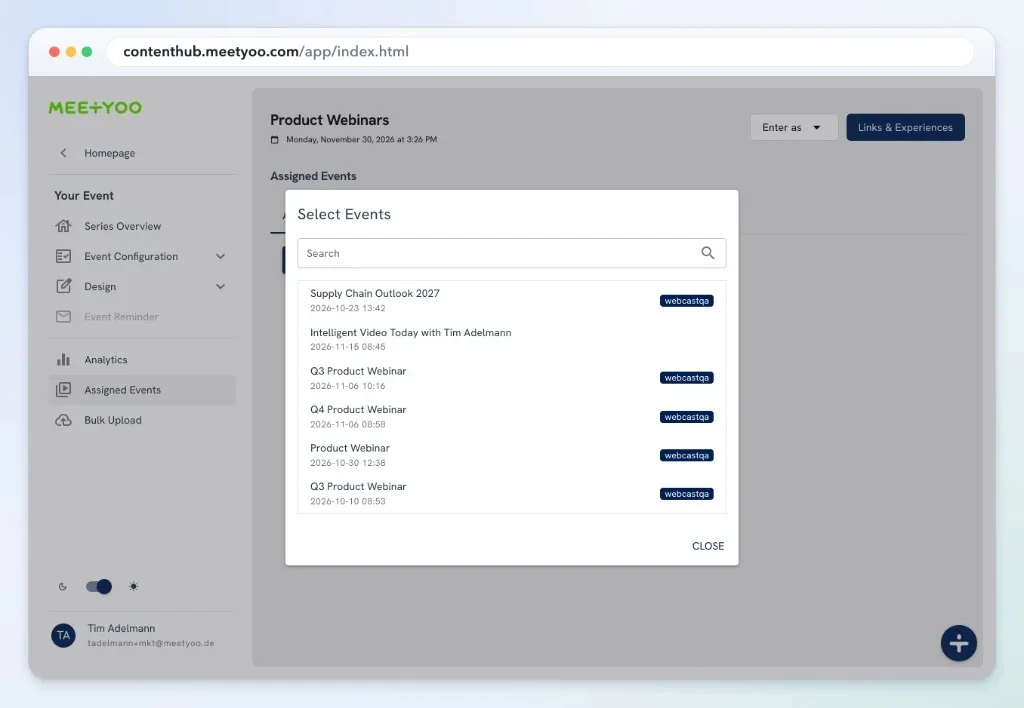
An event can be part of several series without uploading it twice – for example once in the webinar series and once in the media library.
AI search
Instead of searching video by video, ask one question across all videos of the series. The answer names its sources and jumps straight to the right moment in the video.
Requirements: the videos are transcribed and chat is enabled.
RSVP
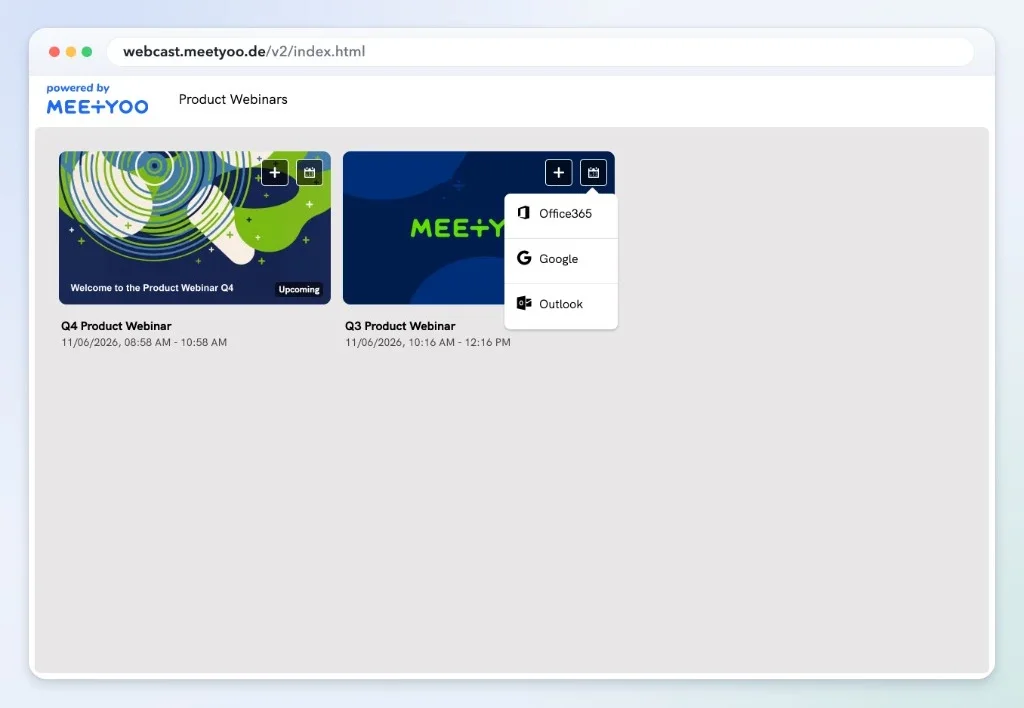
On the series page, attendees pick exactly the sessions they care about and add them to their calendar.
Segmented emails
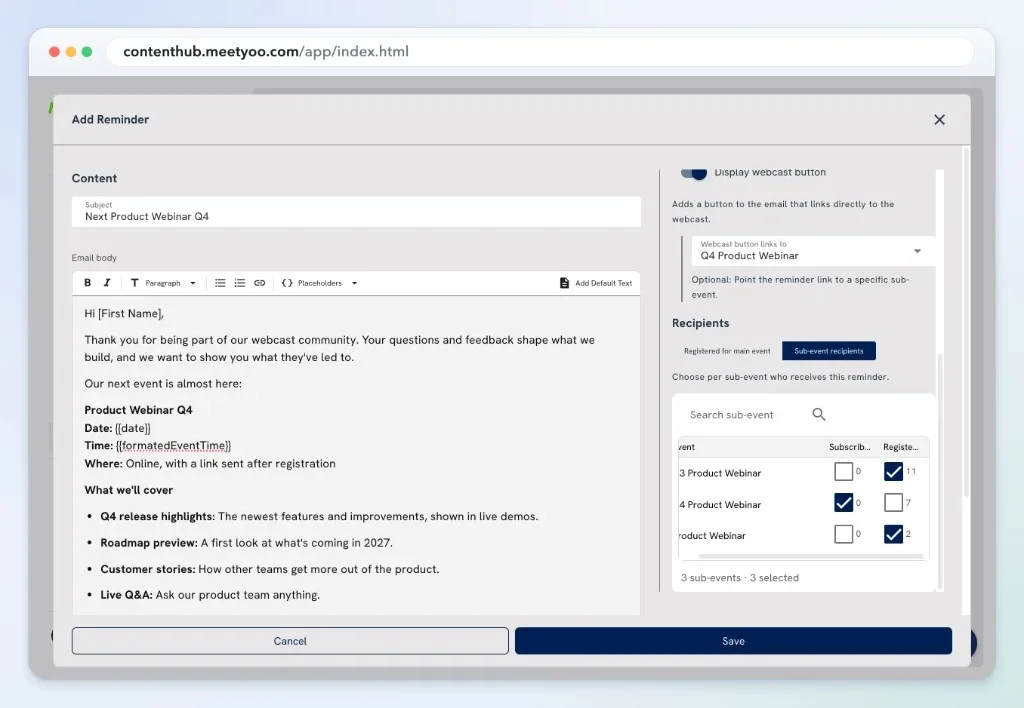
Do not remind everyone about everything. For each reminder, choose whether it goes to everyone registered for the main event or only to the recipients of selected sub-events.
Control
The series gives you the big picture. Every event stays configurable.
Every event has its own access mode, next to the access of the series.
Run each session live, pseudo-live, or on demand within the same series.
Set branding and email once at series level for a consistent appearance.
Attendance and audience data across all events, plus the detailed engagement summary for each single event.
Who is it for?
One feature, three typical ways to use it.
Marketing
Build a webinar series that accompanies your audience for months, with RSVPs per episode and emails to the right group.
View the solutionInternal Communications
Offer all sessions for employees under one link, live as a program and afterwards as a library.
View the solutionInvestor Relations
Keep all earnings calls together as one series and make them available at any time.
View the solutionBring your webcasts and videos together under one link. Free in every plan, starting with Forever Free.
Create an Event Series for freePlans, access, AI search, and data protection at a glance
All of them. Event Series is included in every plan, including the Forever Free plan.
A series is built for programs that grow: assign existing events, add new videos with the bulk upload, and let one event appear in several series without uploading it again.
The series and its events each have their own access mode. Anyone who comes in through the series can reach every event in it. An event can be open on its own and still sit behind a registration within the series, or it can be reachable only through the series. An event can also belong to several series at once, for example once in the webinar series and once in the media library.
The videos of the series must be transcribed and chat must be enabled. Then you can ask one question across all videos. The answer names its sources and jumps to the right moment in the video.
Yes. You use branding, email, and analytics at series level, while each event keeps its own access and delivery format.
MEETYOO Show is GDPR compliant and made in Germany. We use ISO 27001 certified data centers in the EU.
Still have questions?
Our team is happy to help. Just get in touch.
Book a meeting with our team or start for free today
Schedule a personalized demo with our team to see how MEETYOO Show can meet your needs.
Get started with MEETYOO Show today on our free tier and explore its features.
Start for FreeMonday - Friday: 9:00 AM - 6:00 PM CET