
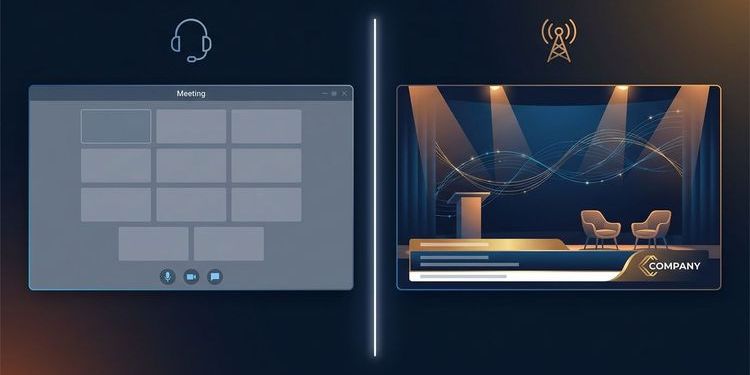
Many organisations use Microsoft Teams for event streaming — because it's already deployed, because it broadly works, and because finding a Microsoft Teams alternative looks like effort. But once professional requirements enter the picture — full CI branding, SSO integration, EU-exclusive data processing, reliable failover — Teams Town Hall starts to show its limits.
This guide is for IT teams, business IT consultants and event managers who need to make a well-informed platform decision: with a structured requirements checklist as a reference point and a straight assessment of what Teams can and cannot do.
Teams Town Hall is not a broadcast tool — and it shows
The entire product architecture of Microsoft Teams is built for collaboration: bilateral and multilateral communication in small to medium-sized groups. Town Hall was retrofitted onto that foundation — it is not a dedicated broadcast tool.
This is why many of the constraints organisations encounter are not bugs. They reflect design decisions that make sense for meeting scenarios but fall short for production events.
Background: Microsoft retired Teams Live Events on 30 June 2026 and replaced them with Town Hall. Town Hall brings real improvements: up to 30 hours' duration, up to 10,000 attendees and RTMP-In for external encoders. The production and branding limitations of its predecessor, however, remain largely in place. Many organisations are using this transition to take a fresh look at their event platform.
The six critical Teams Town Hall limitations
1. Branding: The Microsoft look cannot be configured away
Teams allows a banner image, a logo and an accent colour. For invitation emails and the pre-join screen, that works. On the actual live stage — the stream your audience sees — the design remains unmistakably Microsoft.
Even with Teams Premium, the stage background cannot be replaced with custom graphics. Only Microsoft's own presets are available. Professional overlays — lower thirds, name tags, branded graphics — must be fed in via an external encoder such as OBS or Blackmagic, which adds significant complexity to the production setup.
For organisations that need to present their brand professionally to external stakeholders, that is a genuine showstopper.
→ How to create professional lower thirds directly in MEETYOO — without an external encoder
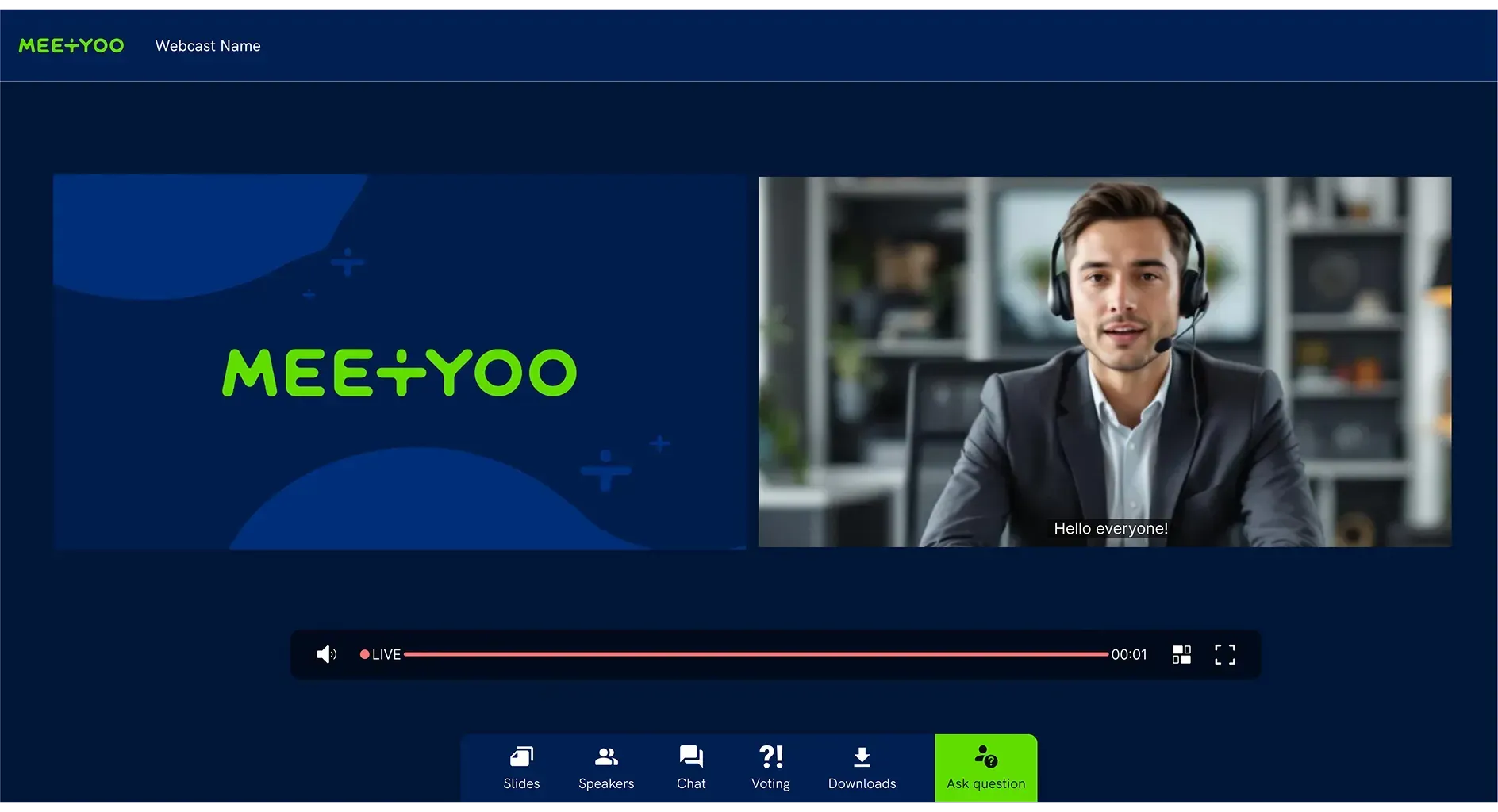
2. Scene management: No production control surface
Town Hall offers three layout modes: Classic, Panelist and Dynamic. Pre-defined scenes — "speaker left, slides right, ticker bottom" — cannot be built, and switching between production views on the fly is not supported.
Organisations using Blackmagic or similar hardware can feed an external signal via RTMP-In. But control then sits entirely with the external system. Teams offers no production surface for event teams who want to operate without a broadcast rig.
3. Failover: New feature, high barrier to entry
For a long time, a proper backup stream simply didn't exist in Town Hall. Microsoft has since added "Additional RTMP Source": when the primary stream fails, Teams should automatically switch to a backup source.
The catch: this only works if the primary and secondary encoders point to two different RTMP URLs. Many production setups — including typical Blackmagic configurations — point both encoders at the same URL. In those cases, the automatic switch does not trigger. The feature requires a rethink of the production setup and has seen limited real-world use to date.
What real failover looks like: A professional backup stream takes over seamlessly — invisible to your audience, without manual intervention. MEETYOO provides redundant encoder setups that guarantee exactly this.
4. EU data protection: No complete data sovereignty
Microsoft has invested significantly in European data localisation through its EU Data Boundary Initiative. What its own documentation acknowledges openly, however, is that certain data categories continue to leave the EU — most notably security telemetry processed by global Security Operations teams.
For organisations with hard "EU-only" requirements — banks, pharmaceutical companies, public sector bodies — this remains an open question for legal counsel. There is also a historical risk: the transatlantic data transfer frameworks Safe Harbor (struck down 2015) and Privacy Shield (struck down 2020) were both invalidated by the Court of Justice of the EU. The current Data Privacy Framework faces similar legal scrutiny.
What this means for your event: Under GDPR, participation timestamps, attendee IP addresses and engagement data all qualify as personal data. If this data leaves the EU, you need a solid legal basis — regardless of what the vendor's marketing materials say.
→ The GDPR trap: Why your choice of webinar tool determines your data protection posture
5. Audience participation: The stage boundary is fixed
In Town Hall, attendees are passive by design: they watch, listen and write in the chat. Spontaneously bringing an audience member on stage with camera and microphone — as dedicated webcast platforms allow — is not supported. The line between stage and audience cannot be opened dynamically.
6. Multi-tenancy: Separate spaces are barely achievable
Organisations that need separate event spaces for different business units — with their own templates, permissions and brand identities — hit a product limitation in Teams. Town Hall is tightly tied to the calendar structure of individual users. Proper, administrable separation of spaces across business units is not natively supported.
The requirements checklist: What professional corporate events actually need
When enterprise teams evaluate their event streaming stack, they consistently land on the same categories. The following overview reflects the requirements IT departments and business units raise in these evaluations.
Streaming & quality
| Requirement | Teams Town Hall | MEETYOO |
|---|---|---|
| Adaptive streaming (HLS/ABR) | ✅ | ✅ |
| HD/Full-HD (1080p) | ✅ (with ULL/Premium) | ✅ |
| Latency < 60 seconds | ✅ (~15–30 sec.) | ✅ |
| RTMP-In (external encoders) | ✅ (admin must enable) | ✅ |
| Server-side video playout | ❌ (client-side only) | ✅ |
Access & security
| Requirement | Teams Town Hall | MEETYOO |
|---|---|---|
| SSO / Azure AD integration | ✅ | ✅ |
| Role-based access control | ✅ (fixed: Organizer, Co-Org, Presenter) | ✅ (flexibly configurable) |
| Protected event links | ✅ | ✅ |
| EU-exclusive data processing | ⚠️ (limited US transfers remain) | ✅ |
| ISO 27001 certification | ✅ (Microsoft) | ✅ (MEETYOO) |
Production & control
| Requirement | Teams Town Hall | MEETYOO |
|---|---|---|
| Production dashboard | ❌ (rudimentary only) | ✅ |
| Pre-defined scene management | ❌ (3 layout presets only) | ✅ |
| CI branding on the live stream | ❌ (pre-join/lobby only) | ✅ |
| Professional overlays / lower thirds | ❌ (external encoder required) | ✅ |
| Failover / backup stream | ⚠️ (new, setup-dependent) | ✅ |
Interaction
| Requirement | Teams Town Hall | MEETYOO |
|---|---|---|
| Q&A with moderation | ✅ | ✅ |
| Question prioritisation (upvoting) | ✅ | ✅ |
| Custom Q&A labels | ❌ | ✅ |
| Live polls | ✅ | ✅ |
| Spontaneous audience stage access | ❌ | ⚠️ (VoIP ad-hoc; webcam only with pre-defined speaker role) |
Organisation & operations
| Requirement | Teams Town Hall | MEETYOO |
|---|---|---|
| Advance event planning | ✅ | ✅ |
| Rehearsal / test mode | ✅ | ✅ |
| Recording (fast availability) | ⚠️ (30-day default, max. 60 days extendable) | ✅ |
| Multi-tenancy | ❌ | ✅ |
| Reporting & analytics | ✅ (basic) | ✅ (detailed) |
Evaluation tip: Use this checklist as a starting point for your own platform review. The more must-have requirements you have in the security, production and branding categories, the clearer the gap between a meeting tool and a dedicated webcast platform becomes.
When does Teams Town Hall work — and when doesn't it?
Teams Town Hall is the right choice when:
- Your events are purely internal with no external stakeholders involved
- CI branding doesn't matter and the Microsoft look is acceptable
- Your organisation is deeply embedded in the Microsoft ecosystem with no special data protection requirements
- Events are infrequent and have no production requirements
A dedicated webcast platform is the better choice when:
- Customers, investors or partners are in the audience — you're representing your brand, not Microsoft's
- You need CI branding on the live stream itself, not just the invitation page
- Failover and production reliability are non-negotiable for business-critical events
- Attendee data must be processed exclusively within the EU
- Recording, AI features and moderated Q&A need to be real tools, not afterthoughts
→ The full comparison: The 10 best webinar platforms in 2026
What's really at stake in corporate events
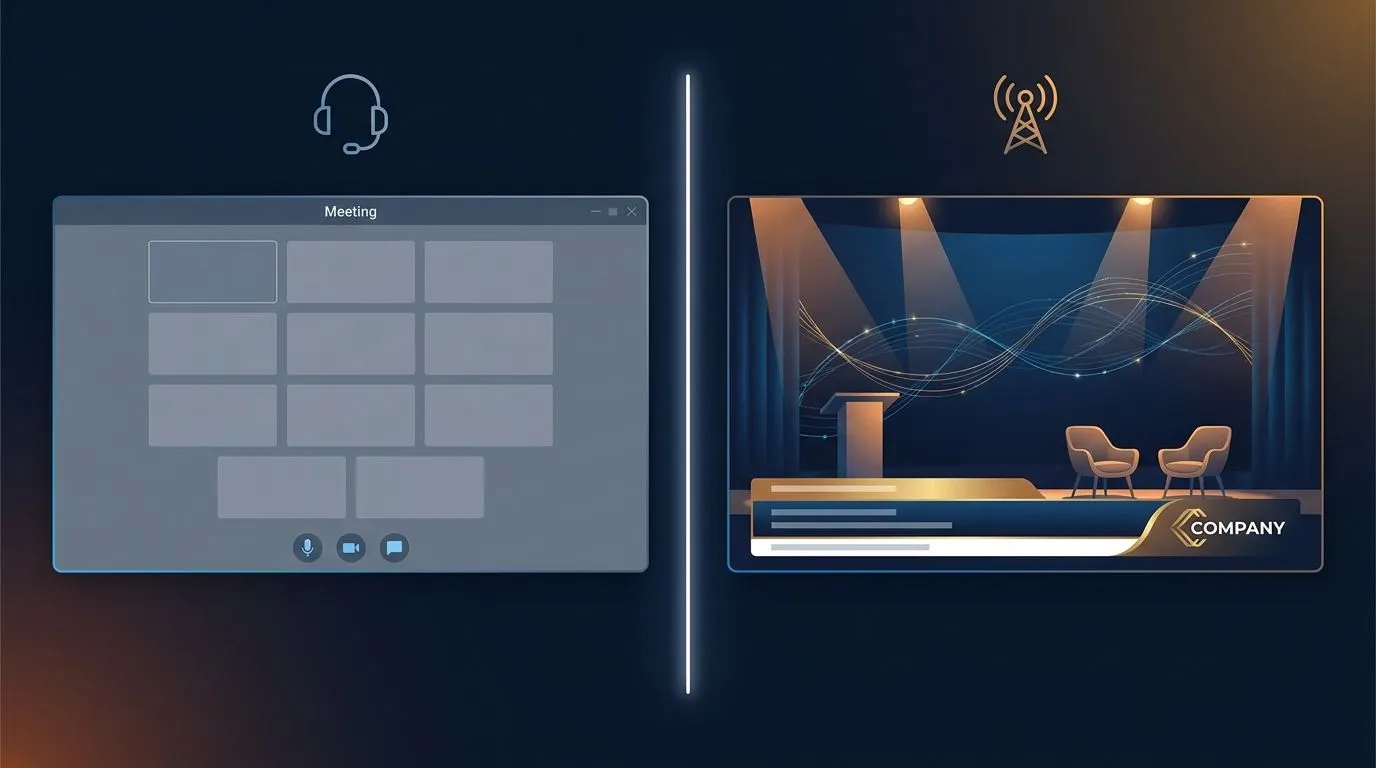
A CEO all-hands with 2,000 employees, an earnings call for investors, a product launch for partners across 20 countries — these are not internal check-ins. They are moments in which your organisation shows who it is to the outside world.
In these situations, technical details determine perception: whether the stream holds when the connection fluctuates. Whether the lower third under your CEO looks polished or like a generic video call. Whether a question from the audience appears moderated and clearly on screen — or gets buried in an uncurated chat feed.
These are the moments MEETYOO was built for — not as an add-on to a meeting tool, but as a platform that takes professional event communication seriously from the ground up.
→ The passive audience problem: Why your all-hands meeting isn't reaching most of your employees
MEETYOO for corporate event streaming: The concrete differences
MEETYOO Show is a dedicated enterprise webcast platform — developed and hosted in Germany, ISO 27001-certified, GDPR-compliant.
CI branding on the live stream: No platform logos, no foreign aesthetic. Your colours, your logo, your overlays — directly in the platform, without an external encoder.
Production-grade failover: Redundant encoder setups ensure a backup stream takes over seamlessly — invisible to your audience.
Moderated Q&A with real tools: Questions can be labelled ("Important", "HR", "Technical"), prioritised and assigned to individual speakers. Even with hundreds of submissions, your moderation team stays in control.
True multi-tenancy: Different business units get their own spaces — with separate templates, permissions and brand identities.
AI and content ROI: What happens after the event
Teams gives you a recording. By default it is deleted after 30 days — extendable to 60 days with a manual intervention. Chapter markers, a searchable archive, or the ability to ask questions of the video afterwards: none of that exists.
That has a concrete cost. Around 40% of all webcast views happen on demand — weeks after the live event. An employee who missed the CEO town hall opens the Teams recording, hits play, and hopes the answer to their question turns up somewhere in the 90 minutes. With luck, they find it after twenty minutes.
MEETYOO Show automatically generates chapter markers after every event — based on topics discussed, ready within minutes of the event ending. The transcript is immediately searchable. With "Chat with Webcast", they ask their question directly to the recording and get the answer with a timestamp link to the exact moment. The recording is not consumed — it is used.
From a single live event, MEETYOO automatically produces: a full transcript, thematic chapter markers, key-moment detection for the most important passages, and a searchable on-demand archive. No manual effort, no post-production.
→ How AI turns a single webcast into lasting content assets
→ All MEETYOO AI features at a glance
Service on demand: Expert backup for the moments that matter
Teams is a self-service tool — that is exactly right for daily meetings. For the CEO town hall with 2,000 employees or the earnings call in front of institutional investors, a different logic applies: every second counts, and a stream outage or moderation error is not an IT ticket, it is a communications failure.
MEETYOO Show is also self-service — but with one option Teams does not have: Service on Demand. For the events where you have no margin for error, an experienced MEETYOO production team takes responsibility. Setup, rehearsal, live operation, post-event asset delivery. You focus on content and audience.
That is why Commerzbank, Mercedes-Benz and Allianz GI use MEETYOO: not only because the software is capable, but because the experts behind the software deliver when it matters.
→ All engagement features at a glance
Typical use cases where the difference matters
CEO all-hands with 2,000 employees High production requirements, CI branding, reliable failover, moderated Q&A with upvoting. Employees should experience their company — not a meeting interface.
Investor relations / earnings call Maximum requirements for stability, security and professional presentation. Recordings must be available immediately, access restricted to defined groups.
Partner event / product launch External audience, full CI branding, high-quality media playback, structured Q&A. First impressions count.
Compliance training across multiple business units Multi-tenancy, role-based access, participation tracking, immediately available recordings.
Conclusion
Teams Town Hall is a workable solution for simple internal events — particularly when an organisation is already deeply embedded in the Microsoft ecosystem. Once professional requirements come into play — CI branding on the stream, reliable failover, EU data protection without exceptions, real multi-tenancy — the tool no longer holds up.
The requirements checklist in this article offers a starting point for your own evaluation. The decisive question isn't whether Teams "somehow" works. It's whether it's good enough for the moments that actually matter.
FAQ
What are the biggest limitations of Microsoft Teams Town Hall?
Teams Town Hall runs into three main issues: CI branding (the live stream can barely be adapted to your own brand), failover (the new backup feature is setup-dependent and largely untested in real production) and EU data protection (certain telemetry data continues to leave the EU). For internal events without high production requirements, Town Hall is adequate. Once external stakeholders are involved or professional quality is expected, the gap to dedicated platforms becomes apparent.
Is Microsoft Teams Town Hall GDPR-compliant?
Microsoft has invested heavily in EU data localisation and communicates this actively. In its own documentation, however, Microsoft acknowledges that certain data — particularly security telemetry — continues to be transferred to the US. For organisations with hard "EU-only" requirements (banks, pharma, public sector), this is an open question that legal teams need to assess.
Can Teams Town Hall be fully branded?
Partially. With Teams Premium, you can customise the accent colour, logo and banner for invitation emails and the pre-join screen. The live stage — the actual stream — is limited to Microsoft's own background presets. Custom background images cannot be uploaded. Professional overlays must be fed in via an external encoder.
Does Teams Town Hall support RTMP-In and failover for external production setups?
RTMP-In is available but must be enabled by an administrator. The new failover feature ("Additional RTMP Source") requires the primary and secondary encoders to point to two different RTMP URLs. Many production setups — including typical Blackmagic configurations — don't work this way. Adjustment is possible, but not trivial.
What happens to recordings in Teams Town Hall?
Teams recordings are deleted by default after 30 days. Organisers can manually extend the expiry date to a maximum of 60 days — after which the file must be re-uploaded. For organisations that want to archive recordings permanently and keep them available on demand, this creates considerable operational overhead.
What Microsoft Teams alternatives exist for professional corporate events?
For professional webcasts, MEETYOO Show is the leading Made-in-Germany alternative: ISO 27001-certified, GDPR-compliant, with full CI branding and AI features. For a comprehensive market overview including further options, see our Webinar Platform Comparison 2026.
Does MEETYOO support SSO with Azure AD?
Yes. MEETYOO Show supports SSO integration including Azure Active Directory via OpenID Connect (OIDC). Role-based access control, protected event links and access restrictions to defined user groups are all available.


